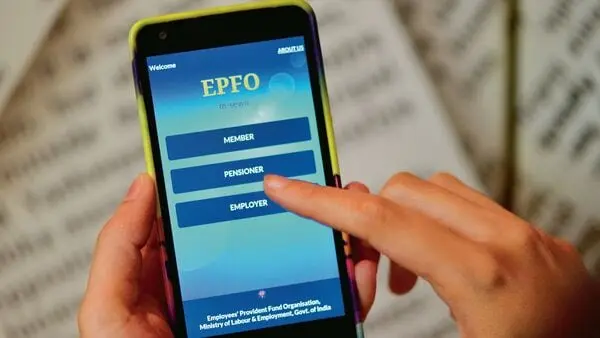
EPFO alert: Why updating your profile photo is crucial for e-nominations and PF claims
Eshita Gain
Why updating the profile photo is important
How to update your profile photo on EPFO member portal?
Visit the EPFO Unified Member Portal and log in using your Universal Account Number (UAN), password and captcha.
Navigate to the dashboard, and then click on the Profile or View section, whichever option is shown on your portal's version.
Select the option to upload or update your profile photo.
Upload your recent passport-size image and save the changes.
Verify that the updated photo displays correctly on your profile before proceeding with e-nomination or filing online claims for PF.
EPF nomination: Who is eligible and who is not?
For male subscribers, eligible nominees are wife, children (married and unmarried), dependent parents, and the widow of a son and his children.
For female subscribers, eligible nominees are husband, children (married or unmarried), dependent parents, spouse’s dependent parents and the widow of a son and his children.
Married subscribers are required to add their spouse, even if they do not wish to nominate their husband/wife under PF.
Spouse and children are defined as family for the pension fund. So, their names should be added to the family list.
This article is provided by Mint, authorized for use, and represents solely the author’s personal opinions. Please contact us in the event of any potential infringement.
In our content creation process, we sometimes use AI tools to assist with research, drafting outlines, and summarizing data. All material is rigorously fact-checked by human editors, reviewed for accuracy, and aligned with our ethical standards. For more information, please visit our AI Policy